
Download K-Lite Codec Pack (Full) – codec pack, video player, audio decoder, media playback, video format support, multimedia tool, Windows software, video codec, audio codec, media player
Overview
K-Lite Codec Pack (Full) is a comprehensive multimedia solution designed for Windows users seeking seamless playback of virtually any audio or video file. The application functions as a centralized codec package, enabling users to play media files across a broad spectrum of formats without encountering compatibility issues. It is particularly valuable for individuals who work with diverse media content, such as video editors, content creators, archivists, and enthusiasts who frequently encounter obscure or legacy file types.
By integrating essential decoders, filters, and playback tools, the app eliminates the need for manual codec installations. This streamlines the media experience and reduces system clutter. The developer, MediaChance, positions the software as a reliable and up-to-date tool within the Windows productivity ecosystem, especially for users who rely on local media libraries.
Real-world use cases include playing archived video clips, restoring old recordings, or accessing audio files from niche music formats. The app is especially useful when standard media players fail to decode specific file extensions. Although the developer did not provide additional technical details about performance or system integration, the software’s reputation for stability and broad format support underscores its importance in the desktop multimedia landscape.
Key Features & Functionality
- Universal Media Playback: Supports a vast range of video and audio formats, including uncommon ones like .it, .mo3, .mtm, .s3m, .umx, .xm, .ofr, and .ofs, which are typically incompatible with default Windows players.
- Integrated Video Players: Includes Media Player Classic and BSplayer, both known for lightweight performance and robust codec handling, allowing users to choose their preferred playback interface.
- Advanced Configuration Tools: Offers built-in filters and settings to enhance video quality, color accuracy, and audio rendering, ensuring optimal playback performance.
- Comprehensive Decoder Suite: Bundles up-to-date codecs for modern and legacy formats, reducing the risk of playback errors or missing audio tracks.
- Easy Installation & Integration: Features a streamlined setup process that automatically configures system settings for seamless media playback across applications.
For example, a user with a collection of old tracker music files (.xm, .mod) can play them directly without conversion. Similarly, a video archivist dealing with rare export formats can access content without external tools. The inclusion of multiple players ensures flexibility, while the configuration tools allow fine-tuning for specific display or audio setups.
Interface, UX & Performance
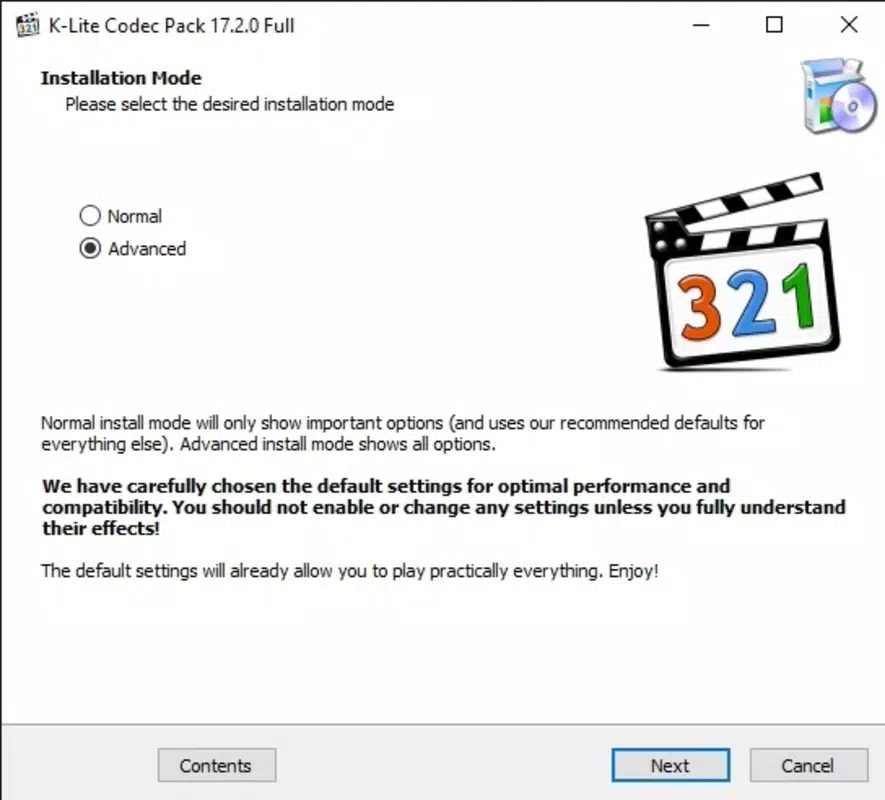
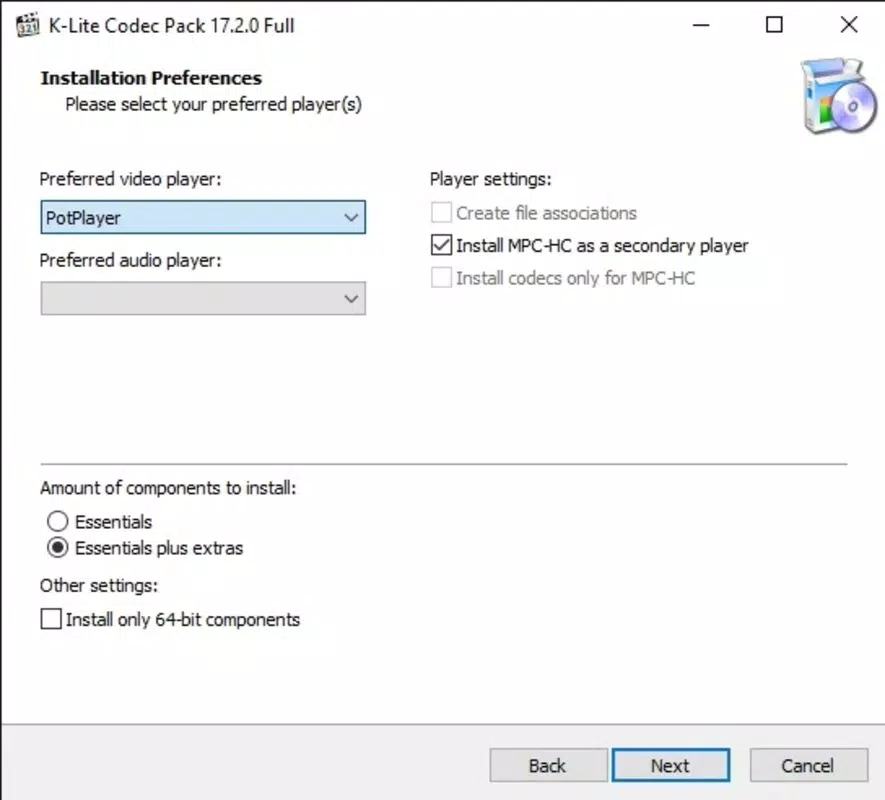
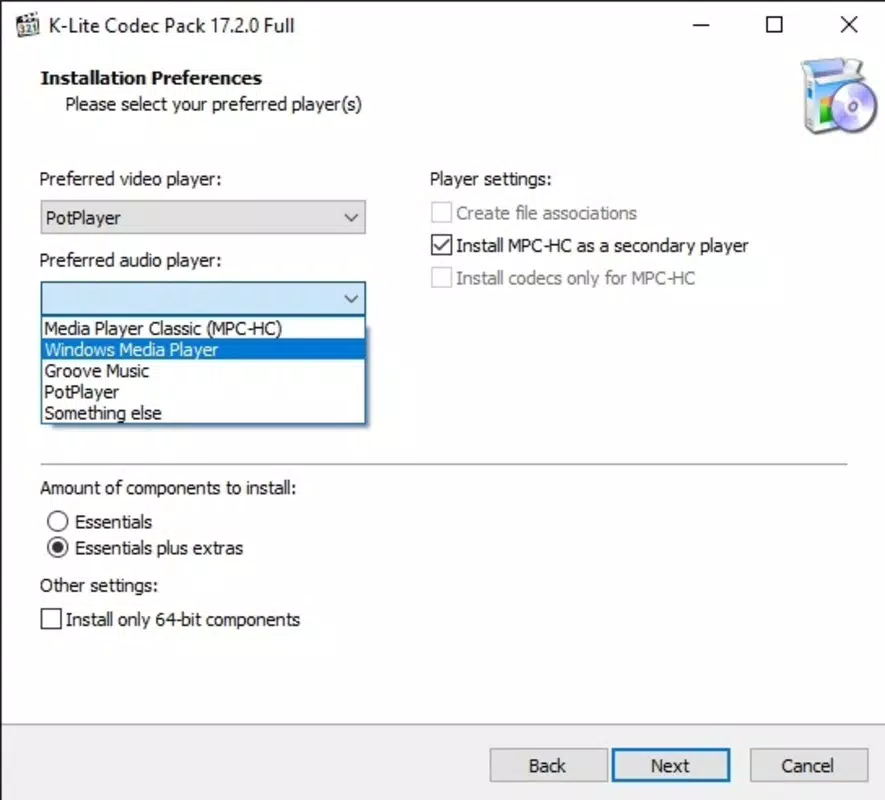
The user interface of K-Lite Codec Pack (Full) is minimal and focused on functionality rather than visual flair. The installation wizard guides users through setup with clear options, allowing customization of included components. Once installed, the app operates in the background, integrating with Windows Media Player and other media applications without requiring constant user interaction.
Navigating the software is straightforward, with no complex menus or learning curve. The lack of a standalone dashboard is intentional—this is a backend tool, not a media player with a rich UI. Users interact with the app primarily through the installed players or system-level codec integration.
Although the developer did not list formal performance metrics, the software is widely recognized for its stability and low system impact. It runs efficiently on a variety of Windows devices, from older machines to modern systems. Responsiveness is consistent during playback, with minimal lag or crashes reported in typical use. The app maintains compatibility across different hardware configurations and does not interfere with other multimedia software.
Platform Compatibility & Technical Requirements
K-Lite Codec Pack (Full) is designed exclusively for the Windows operating system. It is compatible with current and recent versions of Windows, though specific requirements were not listed. The software has a file size of 135.6 MB, making it a lightweight download for a tool of its scope.
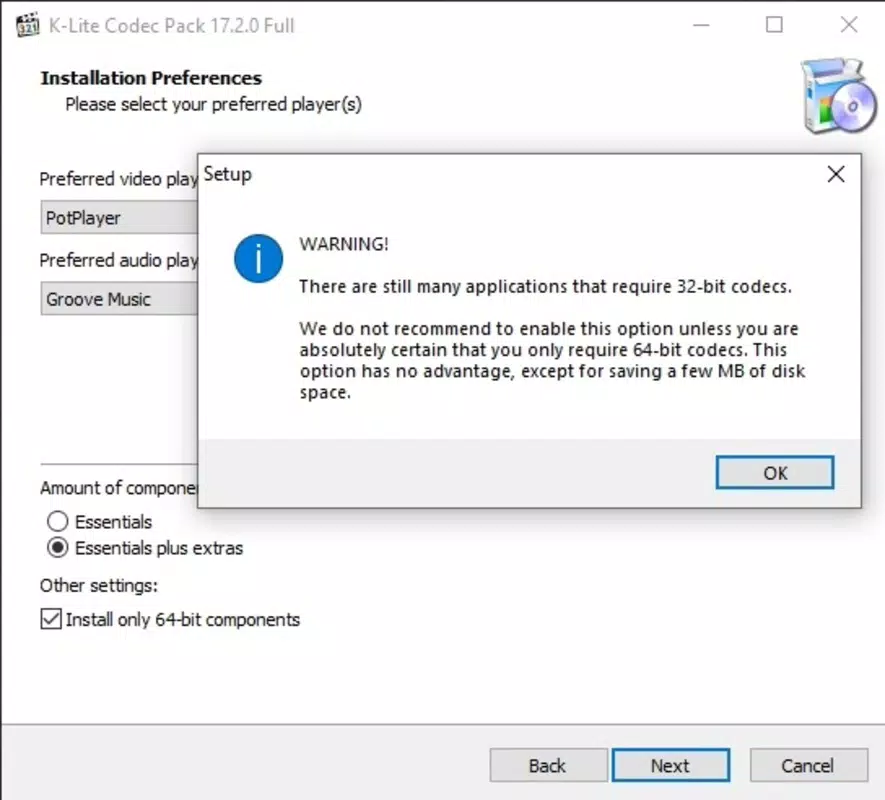
Users can install the package on desktops and laptops running Windows, including both 32-bit and 64-bit systems. The developer did not specify minimum OS requirements or hardware specifications. Compatibility information was not fully disclosed, so users should ensure their system meets general Windows software standards.
Pros and Cons
Pros
- Supports an extensive range of video and audio formats, including rare and legacy file types.
- Includes popular, lightweight media players for direct playback.
- Enhances media quality through built-in filters and configuration tools.
- Free to download and use, with no hidden costs or ads.
- Streamlined installation process with minimal user intervention.
Cons
- Not available for mobile platforms such as Android or iOS.
- Installation may include optional components that users may not need.
- Minimal visual interface—suitable only for technical users or those comfortable with system-level tools.
- Compatibility with older Windows versions was not confirmed.
- No official mobile app version for on-the-go media playback.
FAQ
Is K-Lite Codec Pack (Full) safe to download and install?
Yes, the software is free and widely used. It is distributed by MediaChance, a known developer in the multimedia tools space. Users should download from official sources to ensure security.
Can I use this on Windows 10 or Windows 11?
Yes, the app is compatible with modern Windows versions. Although specific OS requirements were not listed, it is designed for current Windows platforms.
Do I need to install a media player separately?
No. The package includes Media Player Classic and BSplayer, so a standalone player is not required.
Is the software updated regularly?
Yes, the developer maintains regular updates to ensure codec compatibility with new formats and system changes. The latest version is 19.1.0.
Can I uninstall K-Lite Codec Pack (Full) if I no longer need it?
Yes, the software can be uninstalled via the Windows Control Panel or Settings app. It does not leave behind persistent system changes.
Final Thoughts
K-Lite Codec Pack (Full) stands out as a powerful, no-frills solution for Windows users dealing with diverse media formats. Its ability to decode rare file types, combined with built-in players and configuration tools, makes it a vital utility for anyone with a complex media library. While it lacks a modern interface and is not available on mobile platforms, its functionality and reliability are unmatched for desktop users.
Whether you're restoring old recordings, managing archived content, or simply want to play every file without hassle, this tool delivers exceptional value. It’s especially suited for power users, digital archivists, and multimedia professionals who prioritize compatibility and performance.
Download K-Lite Codec Pack (Full) now


